Digotech
How to Reduce Image Size for a Website Without Blur: 4 Steps
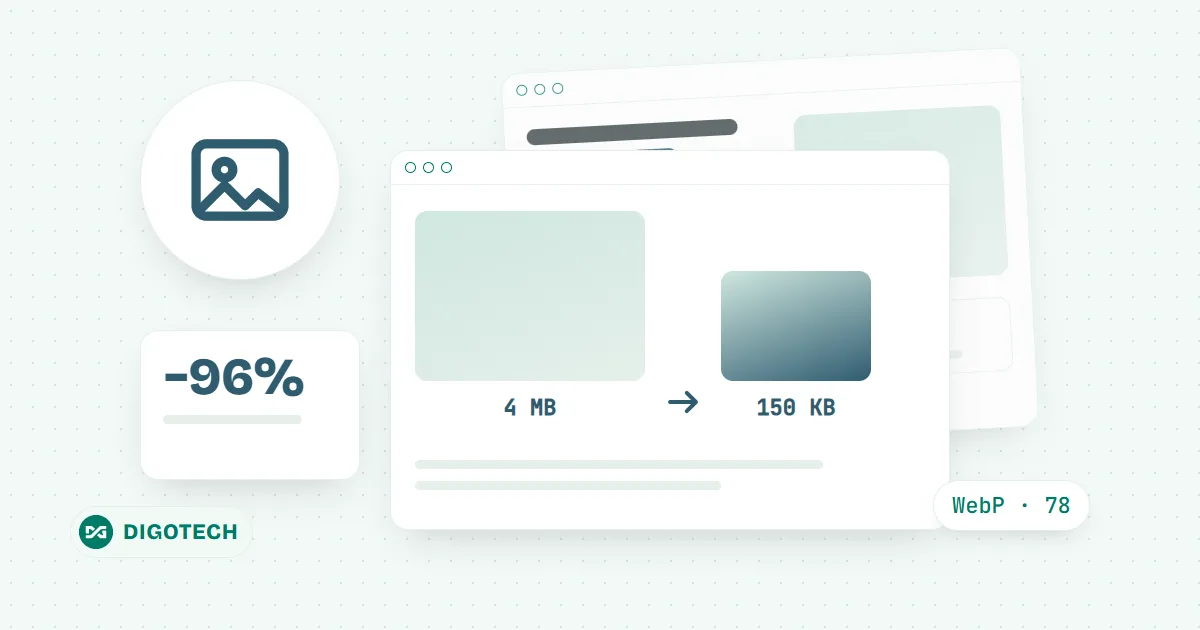
Phone photos of 3 to 6 MB slow your website down. Four steps (resize, format, quality 75 to 82, visual check) bring them under 300 KB without visible blur.
Category
Free tools for website owners: WordPress themes and plugins, collecting data in the browser, compared side by side with how to use them.
This topic is for business owners and small teams who run their own website and marketing without a developer on call. Many everyday jobs need a small tool rather than a new feature: shrinking photos so pages load fast, making a QR code for a shop window or flyer, adding a Zalo or Messenger chat link, tagging ad links so you can see which campaign brought a sale, or checking the right image size for each social network.
Each guide shows one free tool or method step by step, with the settings that matter and the mistakes that waste time, such as a QR code that expires, a photo that turns blurry after compression, or campaign links that split your reports into many names.
Where several tools do the same job, we compare them side by side so you can pick one and get on with your work.
Digotech
Phone photos of 3 to 6 MB slow your website down. Four steps (resize, format, quality 75 to 82, visual check) bring them under 300 KB without visible blur.
Digotech
UTM parameters tell Google Analytics which channel brought each visitor. Learn the 5 parameters, naming rules and how to tag Facebook, Zalo, email and print links.
Digotech
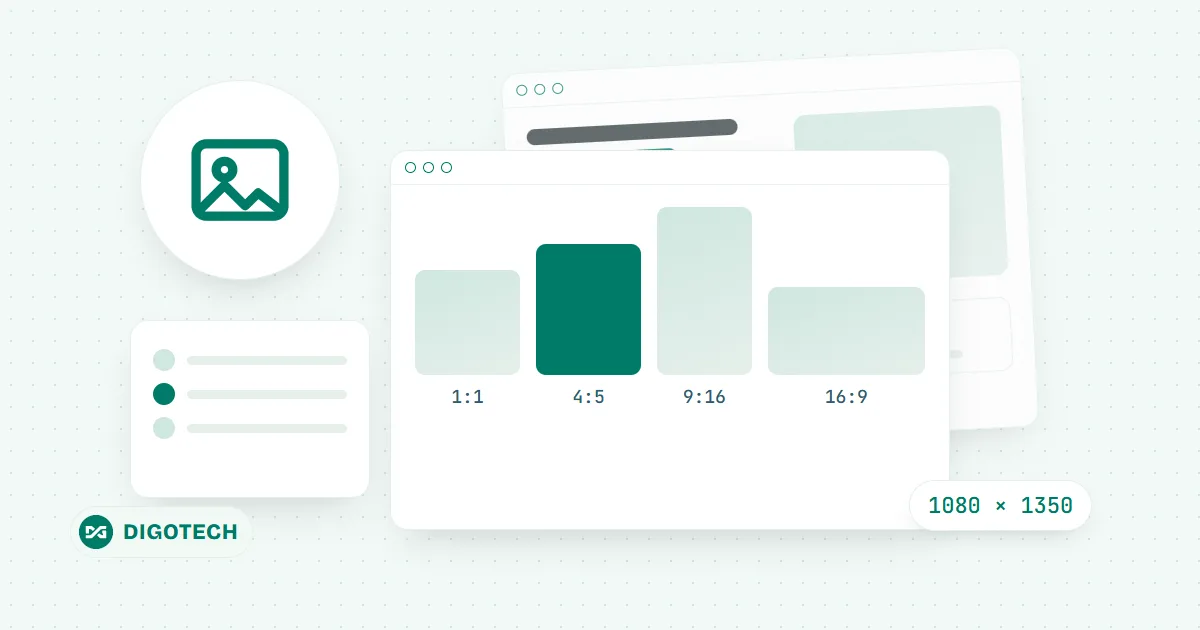
The image sizes to upload for Facebook, Instagram, TikTok, YouTube and Zalo, in one table. Includes where to place text so it is not cut off.
Showing 8 of 3 articles
To count visits and run ads. You can use the site the same whether you accept or not.