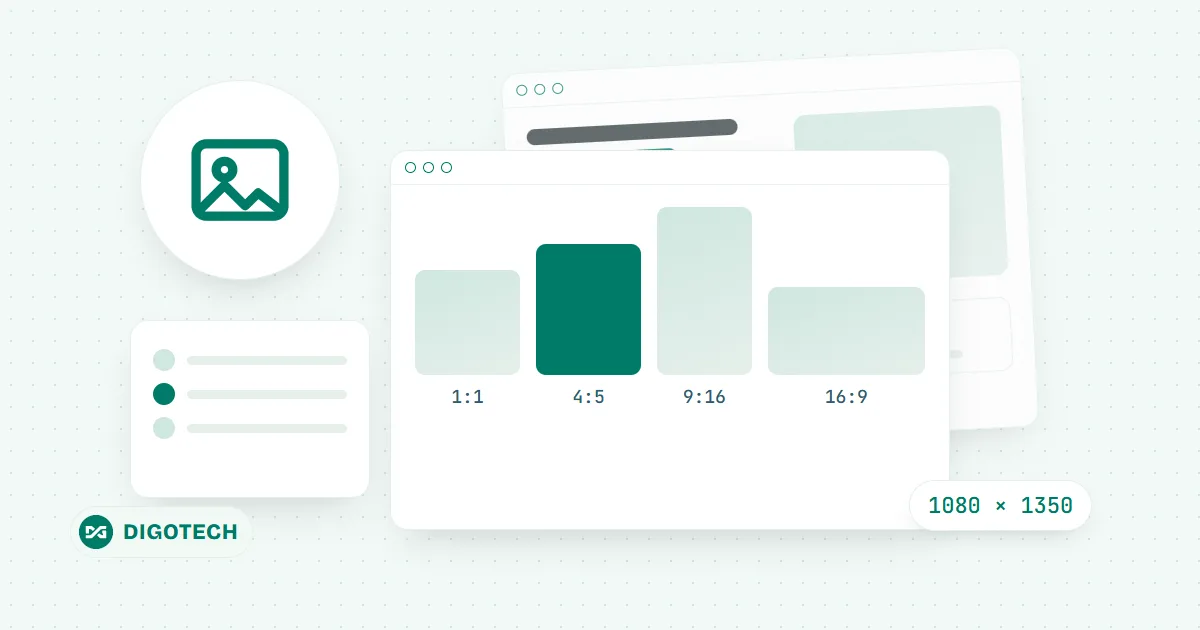
A wrongly sized image is not rejected, but the app crops it to fit its own frame, and what gets cut is usually text near the edge or a logo in the corner. Each social network uses a different frame: square, 4:5 portrait, 9:16 vertical, 16:9 landscape. This guide puts the most used image sizes for Facebook, Instagram, TikTok, YouTube and Zalo (Vietnam's main chat app) in one table, with tips on placing text so it does not get cut off.
Social media image size chart for 2026
The sizes below are what you should upload so the image stays sharp on both phones and computers. If you upload a smaller image, the app enlarges it and it turns blurry; a larger image with the same ratio is fine.
| Where you post | Size (px) | Ratio | Notes |
|---|---|---|---|
| Facebook · page cover photo | 851 × 315 | about 2.7:1 | Phones crop both sides, so keep text in the middle |
| Facebook · square post | 1080 × 1080 | 1:1 | Good for product photos and announcements |
| Facebook, Instagram · portrait post | 1080 × 1350 | 4:5 | Takes the most space in a phone feed |
| Image shown when a website link is shared | 1200 × 630 | about 1.9:1 | The image that appears when you paste a link on Facebook or Zalo |
| Story, Reels, TikTok | 1080 × 1920 | 9:16 | Leave the top and bottom edges free for app buttons |
| YouTube · thumbnail | 1280 × 720 | 16:9 | File size under 2 MB |
| YouTube · channel banner | 2560 × 1440 | 16:9 | Only the middle strip shows on every device |
| Zalo · cover photo | 1500 × 1000 | 3:2 | Keep the logo and text in the middle |
Facebook: cover photo, posts and link sharing image
A Facebook page cover shows almost in full on a computer, but phones crop both sides. So keep text, phone numbers and logos in the middle of the image, and leave only background on the sides.
For posts, a 4:5 portrait image takes more room than a square one when people scroll on a phone, so it is more likely to make them stop and look. A 1:1 square still suits product photos or a short announcement.
The link sharing image (1200 × 630) is the picture Facebook and Zalo pick up automatically when you paste a website address into a post or message. This image is set by the website, not by Facebook. A well-built website has its own sharing image for each page, so a pasted link always shows a good picture that matches the content.
Instagram and TikTok: portrait images come first
Instagram posts should use a 1080 × 1350 portrait image. Since early 2025, the photo grid on an Instagram profile uses a portrait frame, so square images get cropped on both sides when people view your profile. Keep the important part in the middle of the image.
Stories, Reels and TikTok video covers use the vertical 1080 × 1920 frame. The account name sits at the top, and the caption plus the like and comment buttons sit at the bottom. Keep text and faces in the middle zone, about one eighth of the image height away from the top and bottom edges.
YouTube and Zalo
The 1280 × 720 YouTube thumbnail is the image that decides whether people click on a video. Use large text with few words, because most viewers see it very small on a phone. The video duration badge covers the bottom right corner, so do not put text there.
Upload a YouTube channel banner at 2560 × 1440, but only the middle strip shows on every device: TVs show the whole image, while phones show only a narrow strip. For Zalo, the account cover photo should also keep the logo and text in the middle.
Crop an image to the right size in one minute
You do not need to install any photo editing software. Use Digotech's free social media image cropping tool:
- Choose an image or drop it into the frame.
- Pick the frame for where you post: Facebook cover, portrait post, story, YouTube thumbnail, Zalo cover, or enter your own width and height.
- Drag and zoom the image to fit the frame, then download it at the exact pixel size.
The image is processed in your browser and is not uploaded to any server. If the same image is also used on a website, compress it with the online image compression tool to make it lighter. The reason a website needs light images is covered in our guide on converting images to WebP for websites.
A good image on social media, then where do visitors go?
A post with a good image draws clicks, but after clicking, visitors need a place to look closely at products, see the price list and get in touch. That place is your website: a page that opens fast on a phone, with clear images and call and message buttons always within reach. If you do not have a website yet, or your current one is slow and hard to use on a phone, see Digotech's website design services. If you do not have images for the website yet, our guide on whether to take your own photos, buy them or use free images helps you choose the right option.
In short
- Facebook and Instagram posts: 1080 × 1350 (4:5 portrait) or 1080 × 1080 (square).
- Story, Reels, TikTok: 1080 × 1920; leave the top and bottom edges free.
- YouTube thumbnail 1280 × 720; website link sharing image 1200 × 630.
- For every cover photo, put text and logos in the middle and leave only background on the sides.
Comments
No comments yet.